Logos

Last updated:
18 August 2025

A person stood in front of a lectern mid-way through speaking. The lectern has the UAL logo in white printed on the front and the person is wearing a gold and pink graduation robe. The background is dark and the person is spotlit from above.
Rathna Ramanathan during speech, UAL 2024 Graduation, Royal Festival Hall | Photograph: In-Press Photography Ltd

Use our primary logo to build awareness with domestic (UK) audiences and help them identify UAL material.

Use our international logo on any material that is shared outside of the UK, where people may not connect our acronym UAL with our full name.

To use our logos correctly:

  • Download our logos provided on this page and never recreate or change the logo design.
  • Set the minimum size at no less than 5mm in height.
  • Don’t use it within a sentence or as part of a word. If you want to use our name in copy, write UAL (without a colon).
  • Don't stretch, rotate or re-arrange our logos.
  • Don't position imagery within our logos or place our logos over imagery that doesn't have high contrast.
UAL primary logo and UAL international logo in white on black background

Our College logos

When communicating about a particular College use the relevant logo.

UAL Camberwell College of Arts, Central Saint Martins, Chelsea College of Arts, London College of Communication, London College of Fashion and Wimbledon College of Arts logos in white on black background

Our Institute logos

When communicating about a particular Institute use the relevant logo.
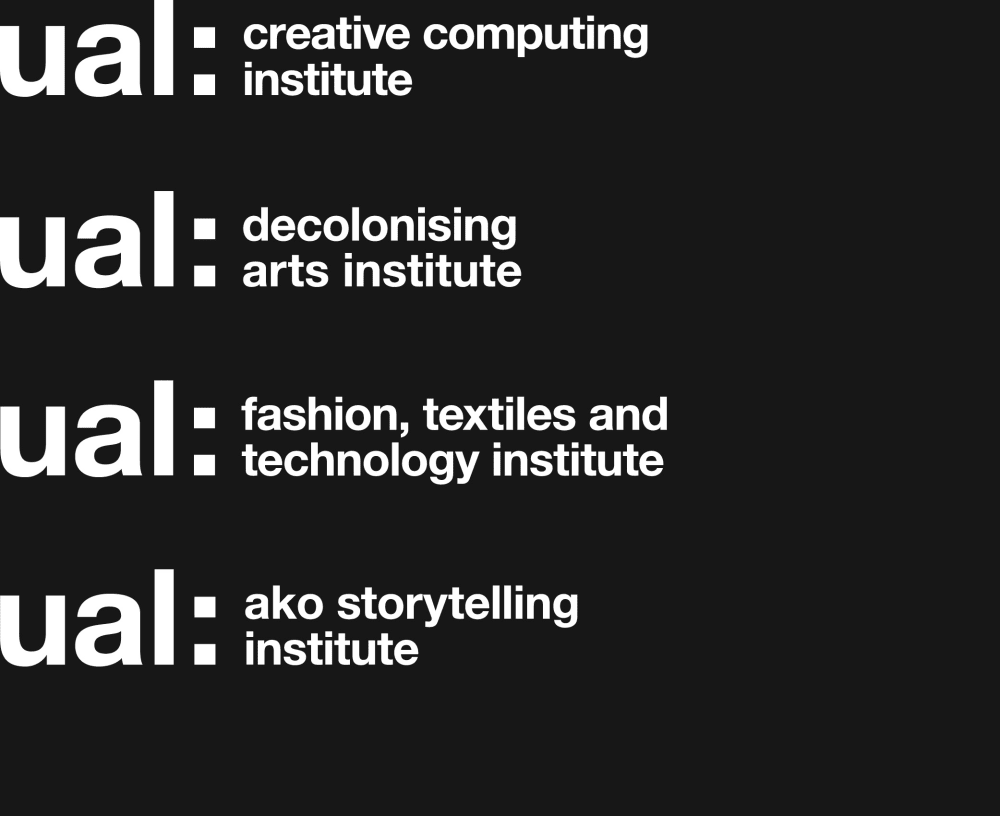
UAL Creative Computing Institute, UAL Decolonising Arts Institute, UAL Fashion, Textiles and Technology Institute and UAL AKO Storytelling Institute logos in white on black background

Our Research Centre logos

When communicating about a particular Research Centre use the relevant logo.
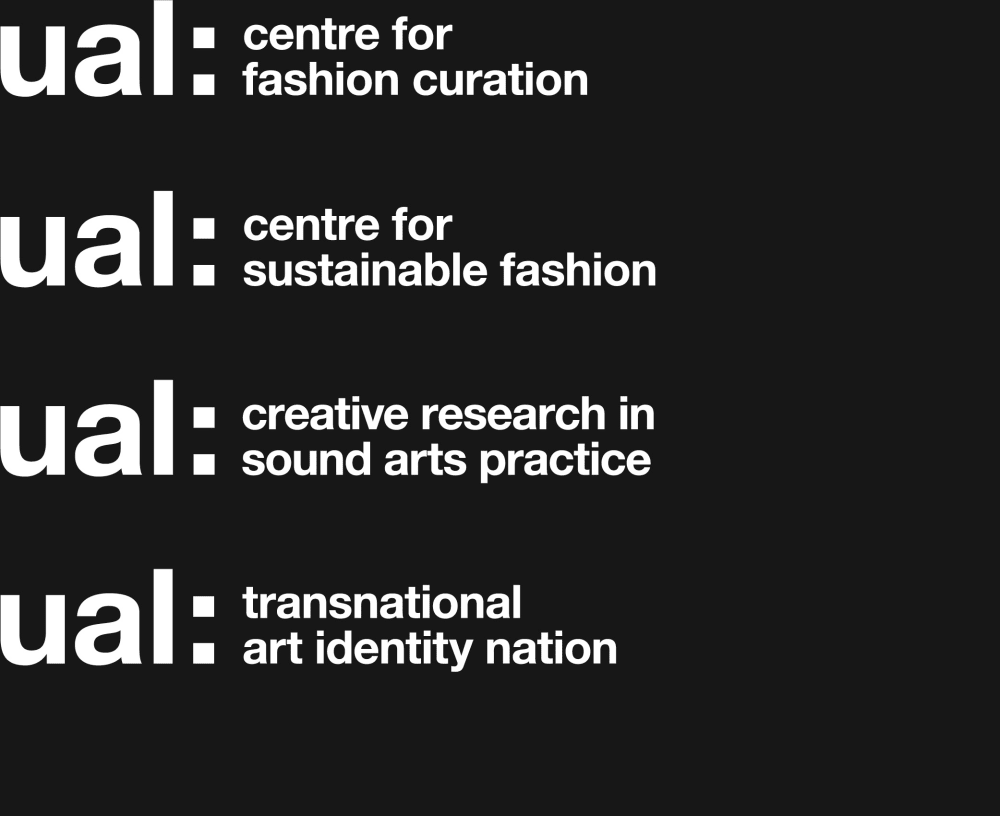
UAL Centre for Fashion Curation, UAL Centre for Sustainable Fashion, UAL Creative Research in Sound Arts Practice and UAL Transnational Art, Identity and Nation logos in white on black background
UAL primary logo shown in white on black background and black on white background

The exclusion zone is the space that should be left around the logo at all times:

  • The size of the exclusion zone is the height of the 'I' in our logo.
  • Apply the boundary starting from the top left corner of the 'u' or using the x-height.
Logo exclusion zone shown by a dark grey box around the logo, sized from the height of the L in the UAL primary logo. Same exclusion zone is also shown using an example of a College logo.

Placement on the page is determined by the exclusion zone:

  • The primary location for our logo is the top left corner.
  • Where this is not possible, the logo can be placed in the bottom left corner.
  • Do not lock department names or document titles with the logo.

UAL primary logo shown positioned in 2 variations: at the top left of a composition and the bottom left of a composition.
UAL primary logo shown positioned in 2 variations: at the top left of a composition and the bottom left of a composition
  • The logo width should be scaled to 1/8 (or 12.5%) of the application’s shortest side.
  • If scaling the logo width results in a height less than 5mm, width guidance should be disregarded and the logo should be set at the minimum height of 5mm.
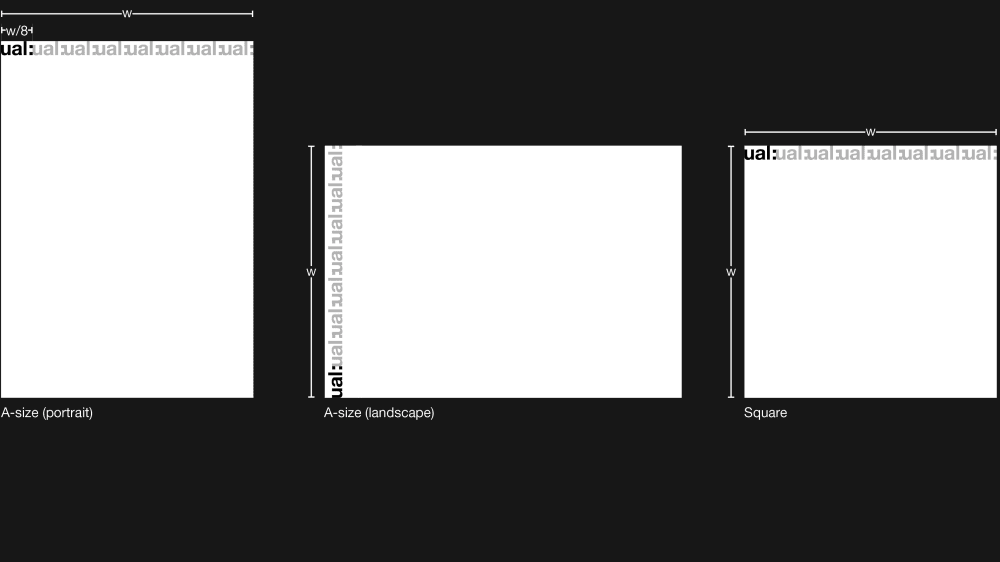
Logo scale examples shown on 3 composition sizes, A4 portrait, A4 landscape and square. Logo scale guidance: if X = length of the shortest side of the composition, the width of the logo should measure X÷8
  • Logo widths should be scaled to A-size documents in line with the following measurements:
Logo scale examples shown on A-size formats, all following dimensions refer to logo width. A0=105mm, A1=74mm, A2=52mm, A3=37mm, A4=26mm, A5=18mm, A6=13mm
  • Use the size of the 'e' — found in all College names — to determine the spacing between College logos.
  • The College name should be applied at 50% of the height of the University logo.
  • Use a vertical or horizontal lockup according to page orientation.
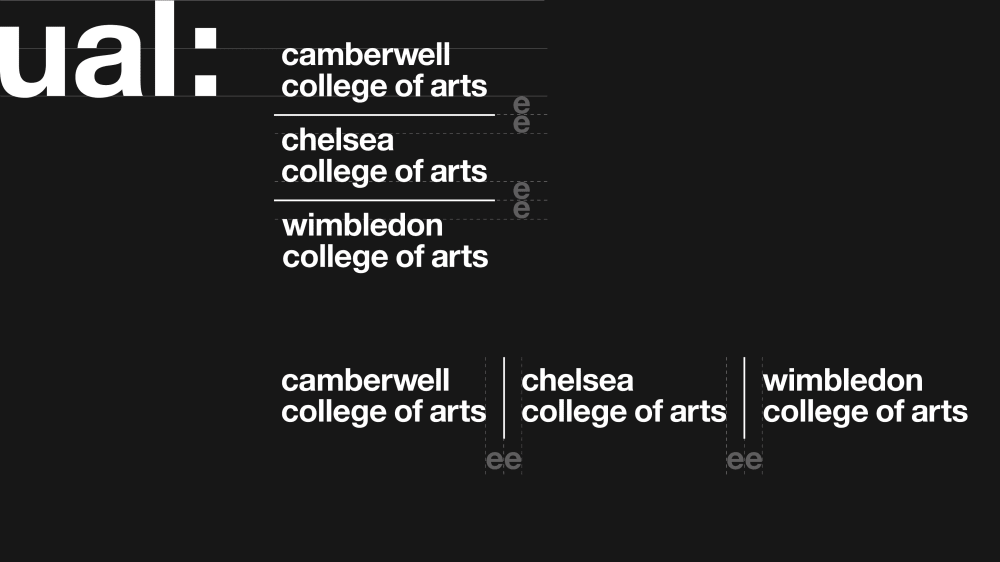
Logo examples showing multiple Colleges included in 1 logo lockup. To space each College name use a dividing line separated by the width or height of a lowercase 'e', depending on whether the logos are stacked vertically or horizontally